System controls
Volume, brightness, keyboard backlight, Bluetooth, Wi-Fi, Focus, keep-awake, light and dark theme, audio output.
in the plan «Island» · 990 RUB
Hover over the notch and flip to the page you need with number keys — things usually buried in menus are right there.
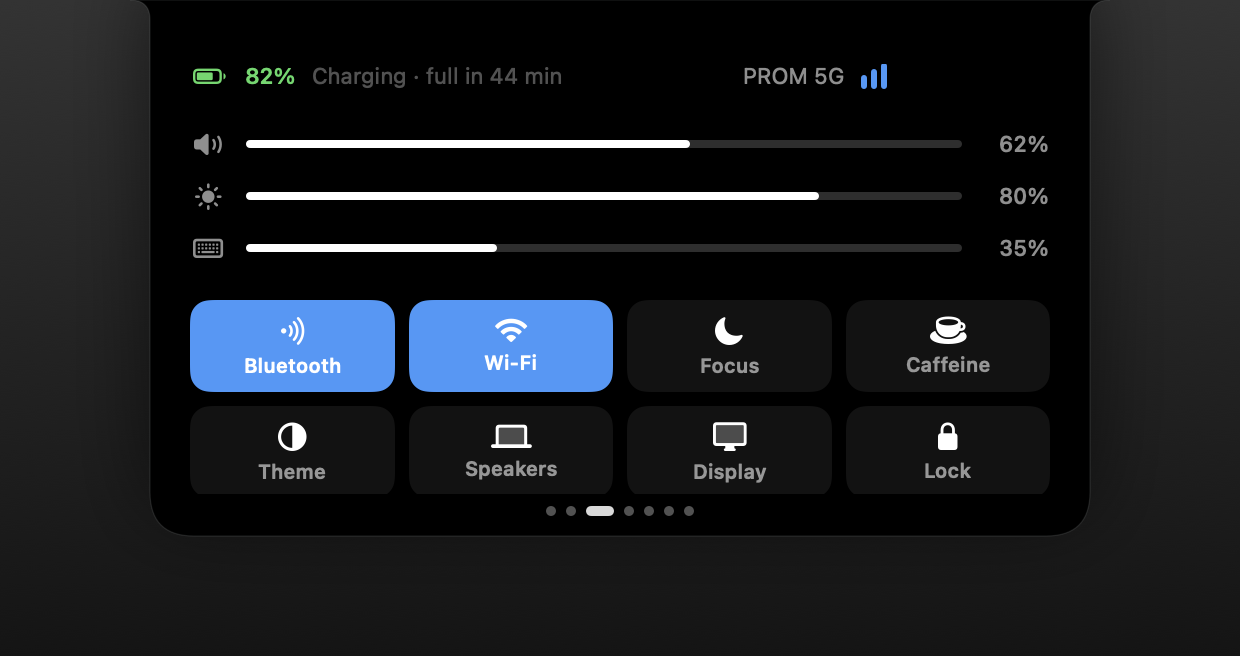
Volume, brightness, keyboard backlight, Bluetooth, Wi-Fi, Focus, keep-awake, light and dark theme, audio output.
Types from the keyboard while the pointer is over the notch and remembers recent results.
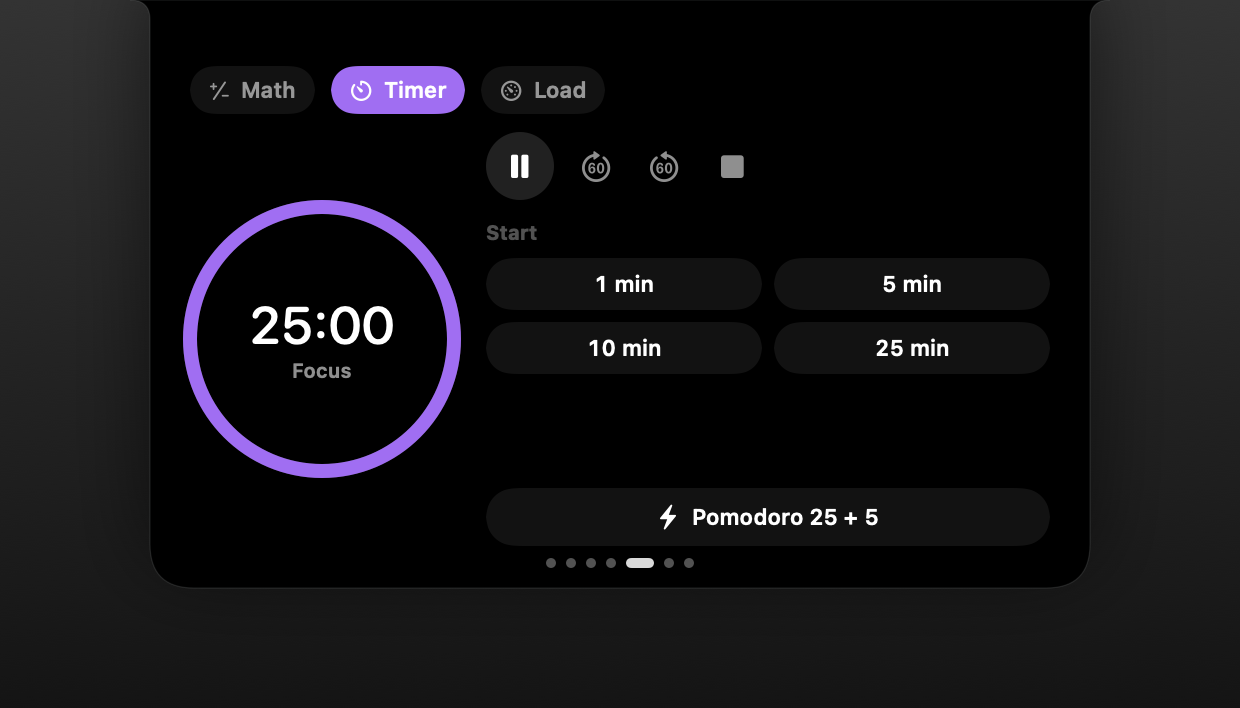
A plain timer or work/break cycles. Remaining time stays visible at the notch even when the island is collapsed.
CPU, memory, network and disk at a glance, without a separate window.
Recent system notifications at the notch. macOS will ask for Full Disk Access for this.
More on the blog
How to use the pomodoro technique on a MacBook without keeping a timer window open: a timer in the notch, focus and break cycles, an end signal. Tips for choosing intervals.
At rest — a fraction of a percent of CPU and tens of megabytes of memory. The island does nothing while you are not looking at it.
Yes: three themes (black, glass, system), 7 accents, 3 sizes and 3 corner shapes.
PromNotch dictation recognises speech on your Mac and pastes the text where your cursor is. No network, no account, Russian and English.
IslandThe core of PromNotch: a player for Music, Spotify and the browser, a file shelf, clipboard history and a charging standby screen. In the Island plan.
Island ProThe PromNotch planner takes tasks from Reminders, draws a day timeline from your calendar and finds a free hour. Notes save themselves and stay on your Mac.