Recognition on the device
The model is downloaded once from Settings and then works offline. Any network monitor will confirm it: nothing is sent while you dictate.
in the plan «Island Pro» · 2,490 RUB
Press your shortcut and the notch listens. Press it again and the text appears where your cursor is. Focus stays in the window you are working in.

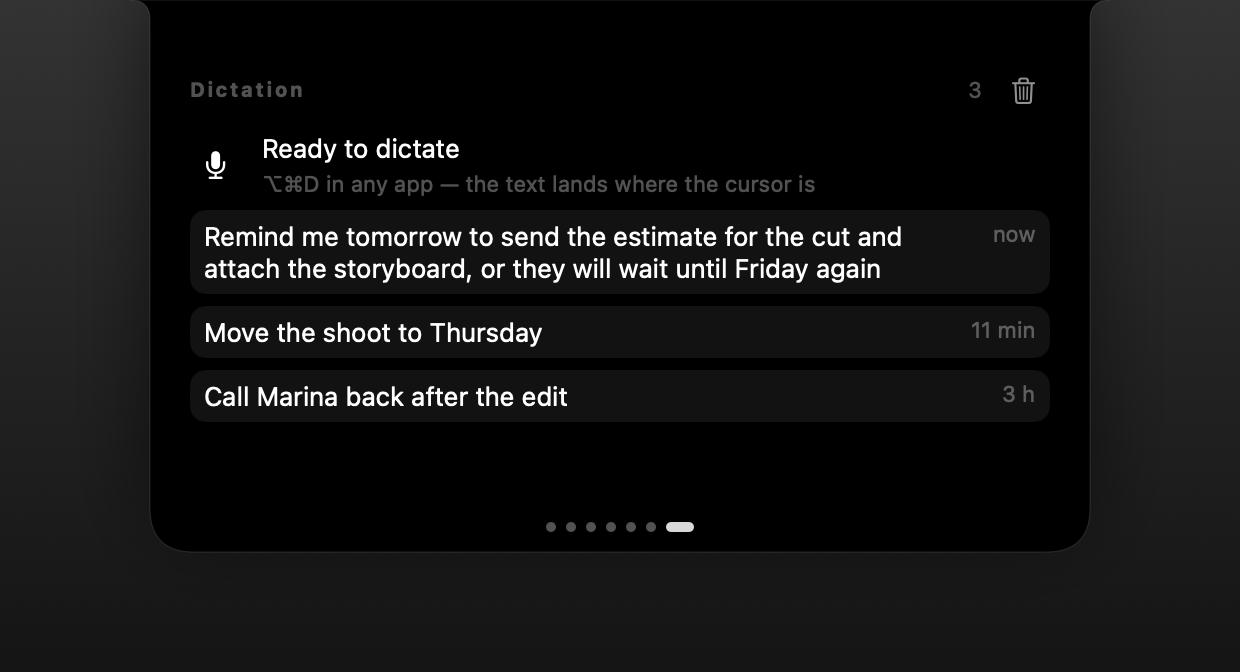
The model is downloaded once from Settings and then works offline. Any network monitor will confirm it: nothing is sent while you dictate.
Text goes in through the clipboard, so it works in Electron apps too. Your clipboard is restored and the helper entry never shows up in history. If pasting fails, the phrase stays in your dictation history.
The language is detected automatically — no need to switch keyboard layouts first.
What you dictate is stored only on this Mac and can be erased with one button in Settings.
You pick the shortcut — for example ⌥⌘D. None is set by default, so it never clashes with other apps.
More on the blog
How PromNotch voice typing works: a speech model running on your Mac, pasting into any text field, and a history you can wipe with one button. Requirements and limits.
Only once, to download the speech model (about 500 MB). After that it works offline.
Dictation needs Apple Silicon (M1 or later). Everything else in PromNotch works on Intel.
Nowhere. Audio is processed on your Mac and the text is kept in a local history you can erase.
The core of PromNotch: a player for Music, Spotify and the browser, a file shelf, clipboard history and a charging standby screen. In the Island plan.
Island ProThe PromNotch planner takes tasks from Reminders, draws a day timeline from your calendar and finds a free hour. Notes save themselves and stay on your Mac.
IslandVolume, brightness, Bluetooth, Wi-Fi, focus and theme on one notch page. Plus a calculator with history, a Pomodoro timer and a load monitor.