Player
Shows what is playing in Music, Spotify and the browser: artwork, title, time. Pause and skip right in the notch.
in the plan «Island» · 990 RUB
What people usually install a notch app for: the track in view, files at hand and clipboard history. Part of the base Island plan.
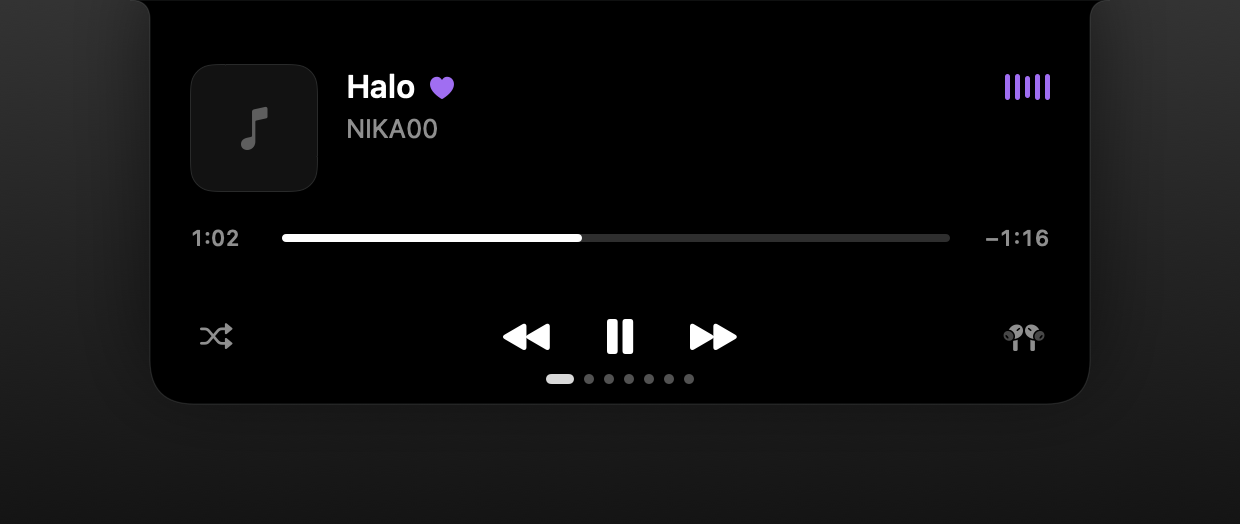
Shows what is playing in Music, Spotify and the browser: artwork, title, time. Pause and skip right in the notch.
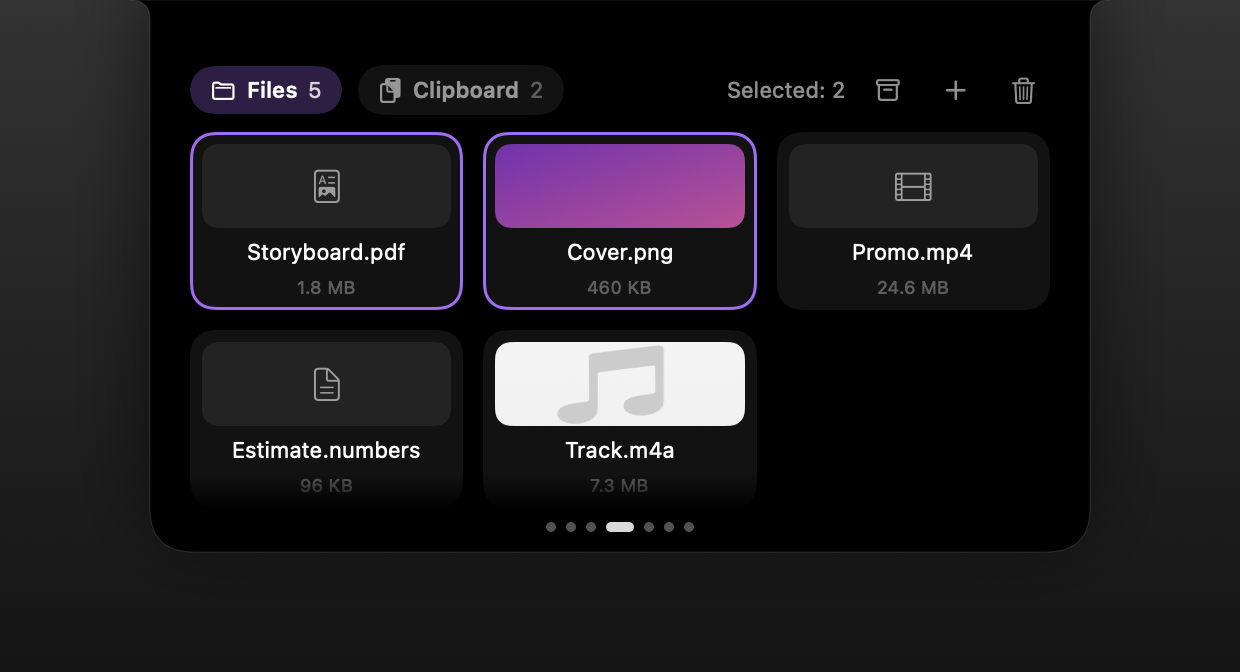
Drag a file to the notch and it waits there while you find where it goes. Preview opens without extra windows.
Your recent copies within reach. The history lives in memory only and is never written to disk.
Charging, AirPods connecting, volume, a running timer — brief notices right at the notch.
While your Mac is charging and idle, the screen turns into a desk clock with the artwork of what is playing.
More on the blog
The notch in your MacBook screen can become a working panel: a player, a file shelf, your calendar, a timer, system controls and dictation. Which of these actually save time.
Nothing for the first 7 days — everything is unlocked. After that you need an Island key (990 RUB once) or Island Pro.
Music, Spotify and audio from the browser — whatever macOS reports as now playing.
PromNotch dictation recognises speech on your Mac and pastes the text where your cursor is. No network, no account, Russian and English.
Island ProThe PromNotch planner takes tasks from Reminders, draws a day timeline from your calendar and finds a free hour. Notes save themselves and stay on your Mac.
IslandVolume, brightness, Bluetooth, Wi-Fi, focus and theme on one notch page. Plus a calculator with history, a Pomodoro timer and a load monitor.