
РусскийBuy

A macOS app

A notch that finally does something

The strip around the camera shows your track, holds files, toggles Wi-Fi, counts Pomodoros — and can listen to you and type for you without sending a word anywhere.

Try it for 7 daysPricing

macOS 14 or later · 7 days fully unlocked · no account

The MacBook notch while dictating: a voice level indicator
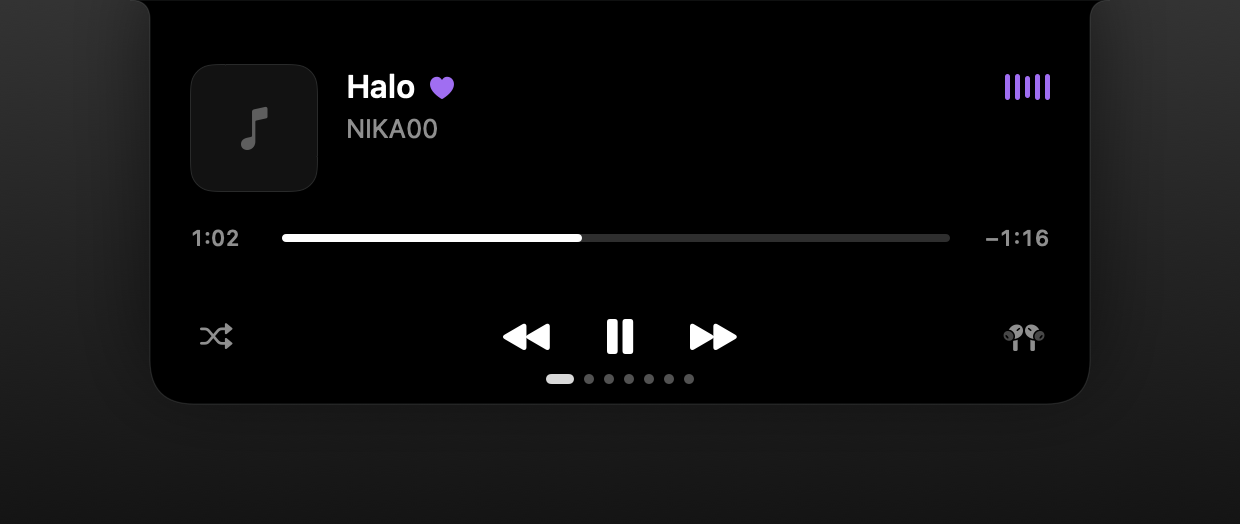
Player in the MacBook notch: artwork, track title, controls
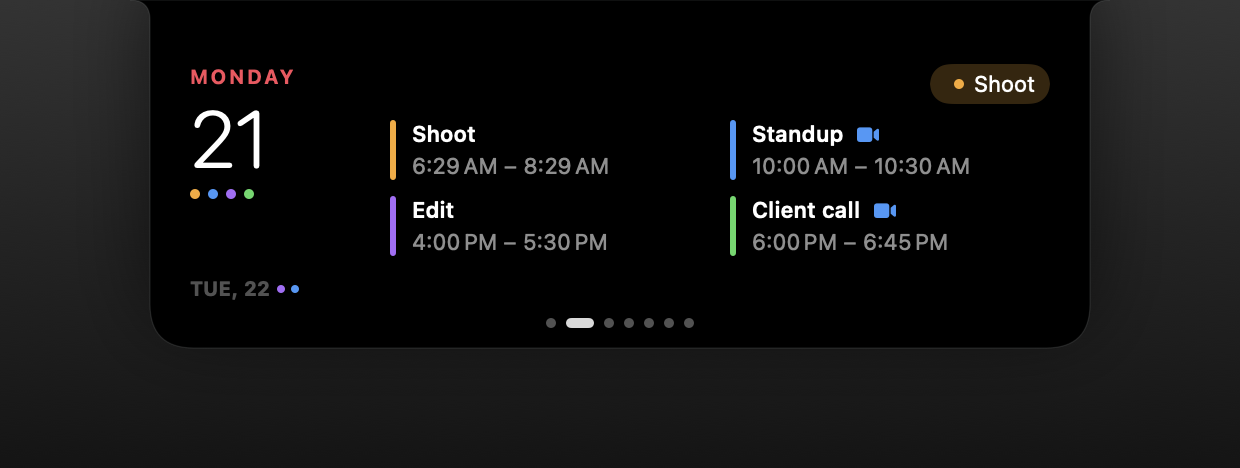
Calendar in the MacBook notch: today's events and busy dots
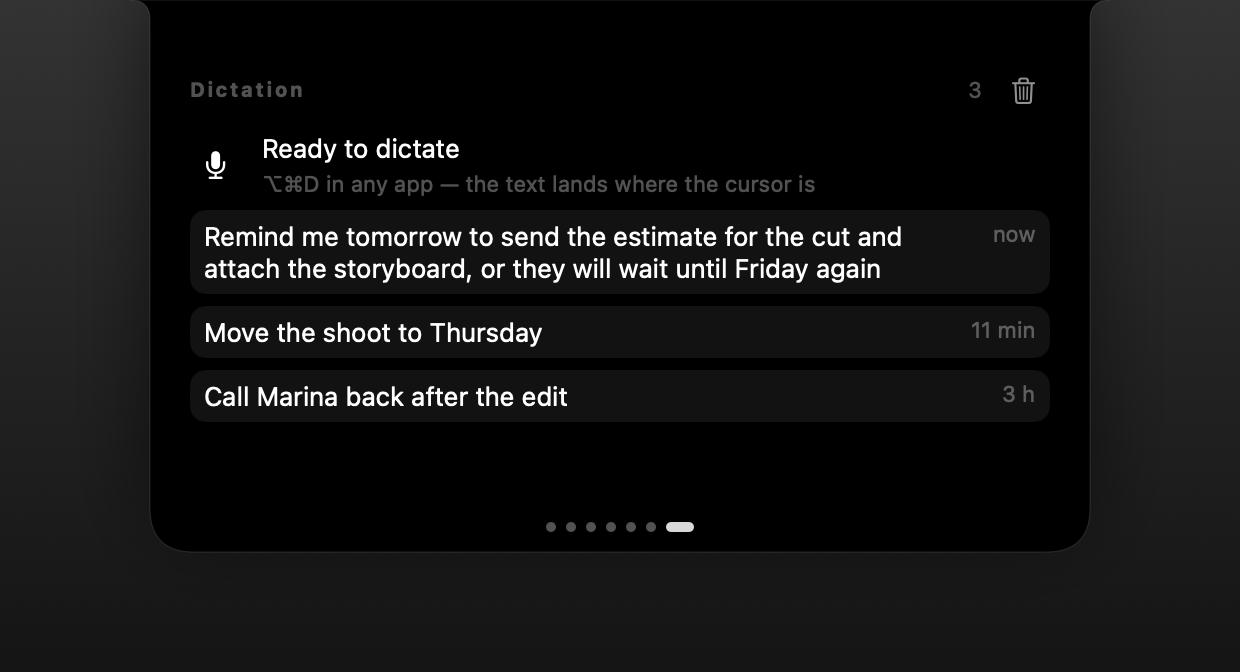
Dictation history in PromNotch
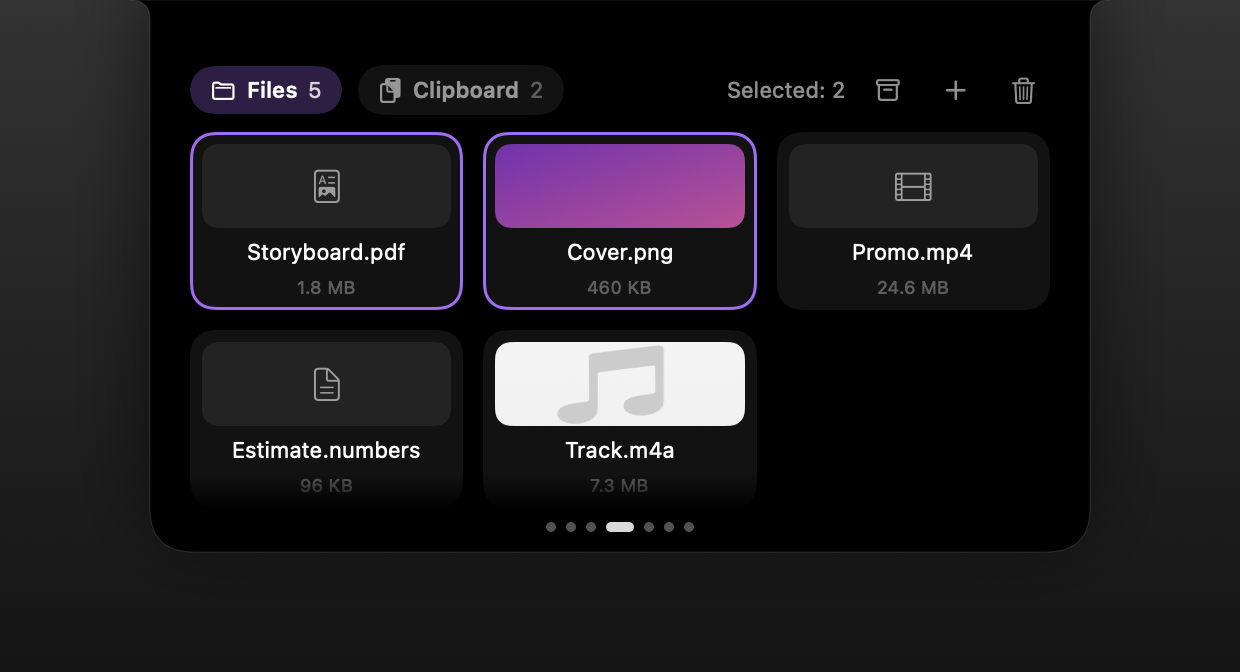
File shelf in the MacBook notch
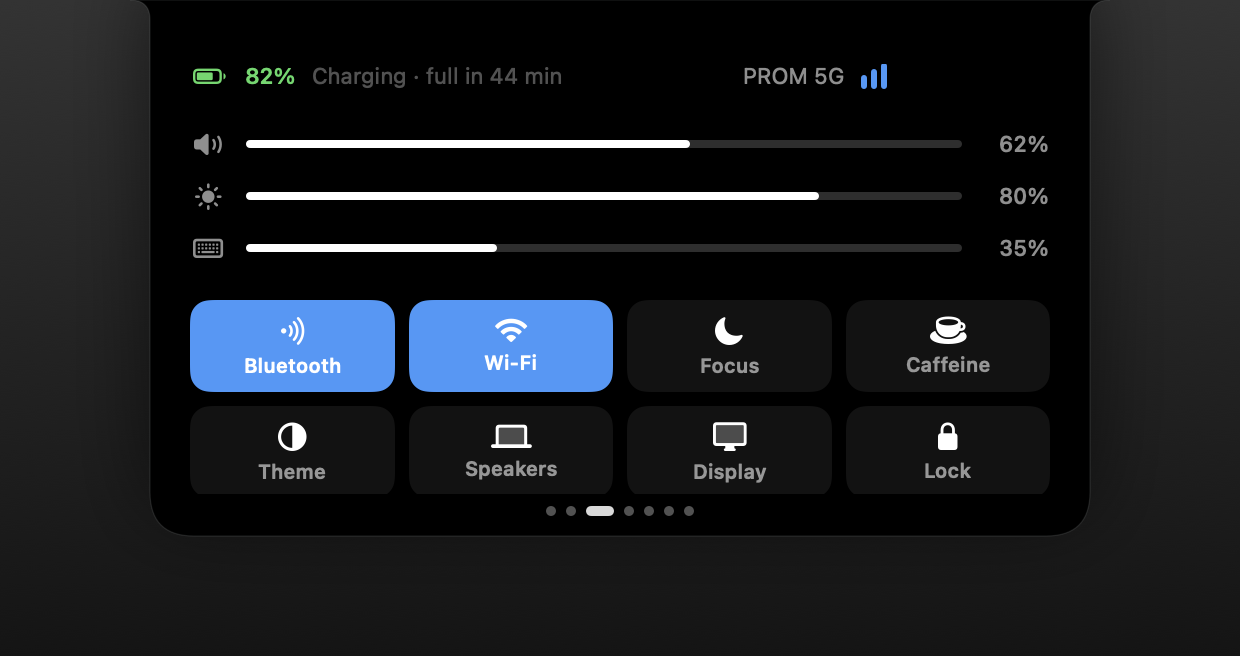
Control page in the notch: volume, brightness, Wi-Fi, Bluetooth
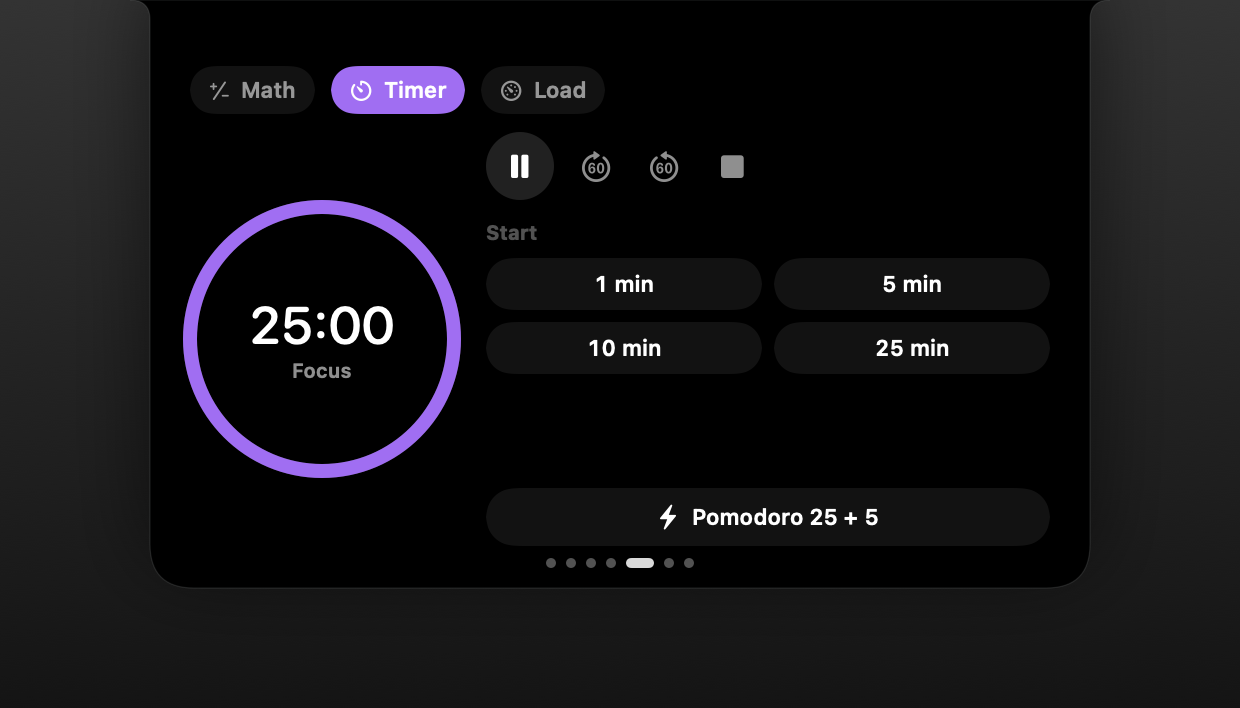
Pomodoro timer in the MacBook notch
Dictation

Dictation

Speak — text appears where your cursor is

Press your shortcut, say a phrase, press it again. The notch recognises speech right on your Mac and pastes the text into the field you are working in. Focus stays put and your clipboard is restored.

  • The model runs offline — you can check with any network monitor
  • Pastes into almost any field, Electron apps included
  • Russian and English without switching layouts
  • History stays on this Mac and is erased with one button

Dictation requires Apple Silicon. Everything else works on Intel.

Learn more →

Dictation history in PromNotch

Island plan — 990 RUB

Player and shelf — where it all starts

Your track, files at hand and clipboard history — plus calendar, system remote and tools. All in the base plan for 990 RUB, once and for good. Learn more →

Player in the MacBook notch: artwork, track title, controls
File shelf in the MacBook notch

Pay once, keep it

Subscriptions make sense when the seller has ongoing costs. PromNotch computes everything on your Mac, so you pay once.

Island

Everything for the notch except planner, notes and dictation. One-time.

990 RUBone-time, forever
  • Player and live activities
  • File shelf and clipboard history
  • Calendar
  • System controls
  • Calculator, timer, load monitor
  • Notification mirror and standby screen
  • Updates included
Buy — 990 RUB

Privacy

Only two things ever go online

No account and no analytics. Clipboard history lives in memory only. The license is verified offline.

Privacy Policy →

  1. Model downloadOnce, when you press “Download” in dictation settings yourself.
  2. Update checkThe app looks for a new version and offers to install it.

Requirements

  • macOS 14 Sonoma or later
  • MacBook Pro 2021 or later, MacBook Air 2022 or later
  • Dictation requires Apple Silicon (M1 or later)
  • About 500 MB of disk space for the speech model

The app is not yet notarized by Apple, so on first launch macOS will ask you to confirm opening it. It takes one click — see the download page.

How to install

FAQ

What happens after 7 days?

The notch pages lock until you enter a key. Your notes and settings stay: once you buy, everything is back as it was.

Will dictation really paste anywhere?

Into almost any field — it goes through the clipboard, so Electron apps work too. If pasting fails somewhere, the phrase stays in your dictation history for you to copy.

Can I use it on two of my Macs?

Yes, a key works on two of your personal Macs.

Why not the App Store?

The app needs things the App Store sandbox does not allow: pasting text into other apps and controlling the system. So it is distributed directly from this site.

How much does it use?

At rest — a fraction of a percent of CPU and a few dozen megabytes of memory. While you are not looking at the notch, the app does almost nothing.

Try it for 7 days — everything unlocked

No card, no account. Afterwards it is a one-time purchase: Island for 990 RUB or Island Pro for 2,490 RUB.

Try it for 7 daysPricing